
Service businesses rarely lose customers because a technician lacked skills. Most churn happens because the visit felt disorganized: wrong parts, late arrival with no update, handwritten invoices that arrive weeks later, or techs who clearly do not have the full history of the equipment they are working on.
That experience is fixable. The right mobile app in every technician’s pocket turns messy field operations into a predictable, professional machine. Some teams are already seeing productivity gains of up to 30% from field service apps alone, which translates directly into more jobs completed, faster response times, and higher revenue per technician. A strong app also gives customers the kind of sleek, transparent experience they already expect from rideshare, delivery, and banking apps.
This guide breaks down the must-have features of a service technician mobile app, why each one matters operationally, and how they work together to create a world-class field service operation.
Why a Service Technician Mobile App Is No Longer Optional
Field work used to run on clipboards, phone calls, and end-of-day data entry. That model cannot keep up with modern customer expectations or growing service volumes. Research shows that field teams using mobile apps can increase technician productivity by around a quarter or more, with some reports pointing to gains of about 27% through streamlined work processes.
Technicians understand this shift better than anyone. More than four out of five frontline workers now say mobile apps and software are essential for efficiency and customer service quality, not just a nice-to-have perk for management or dispatch teams. When the people doing the work are asking for better tools, leadership ignores that at real cost: slower jobs, higher error rates, and more frustrated customers.
The market is responding quickly. The global field service management market is projected to grow from about USD 4.72 billion in 2024 to USD 11.87 billion by 2032, a sign that companies of every size are investing heavily in mobile-led workflows. Falling behind that curve means competing against rivals whose technicians already have real-time data, automated workflows, and instant digital payments in their hands.
Core Features That Keep Technicians Productive
Technician time is the most expensive and most constrained resource in any service business. The core job of a mobile app is to make every minute in the field count. The features below directly impact how many jobs a technician can complete, how often first-time fix is achieved, and how much effort is required to keep the schedule running smoothly.
Smart Scheduling and Dispatch in the Field
Scheduling and dispatch tools are often thought of as back-office features, but the way technicians experience them on mobile makes a huge difference. A strong app gives each technician a clear, prioritized daily route, with live updates when jobs are reassigned, canceled, or delayed. Instead of juggling paper work orders or vague notes, they see exactly where to go next, who the customer is, and what type of work awaits.
When scheduling logic, traffic conditions, and technician skills are all factored in, drive time shrinks and productive hours rise. This is where the productivity uplift seen in mobile-enabled organizations comes from: field service apps can lift technician output by as much as 30% when they streamline jobs, routes, and information flow. That efficiency is only possible when the scheduling brain of the operation is tightly connected to the app technicians actually use on-site.
Job Details, Digital Checklists, and Guided Workflows
The days of technicians arriving with only a brief one-line description should be over. A modern service app provides a rich job card: problem description, asset history, model and serial data, warranty status, past photos and notes, and even known quirks at that site. When all of that is ready to go the moment the tech opens the job, guesswork disappears.
Digital checklists and step-by-step workflows then bring standardization. Whether the technician is doing a complex installation, preventive maintenance, or an urgent repair, the app can guide them through the process, collect required readings, and ensure safety steps are never skipped. This consistency is a big driver behind the productivity jumps of around 27% reported for mobile workflows, because it removes the friction of hunting for information and deciding on the next step at every turn.
Offline-First Performance
Field work does not always happen in signal-rich environments. Basements, rural sites, industrial plants, and remote yards can all knock a device offline at the worst moment. That is why offline capability is a non-negotiable for any serious service app. Research shows that a large majority of field service mobile apps now support offline access, with about 85% allowing technicians to keep working without an internet connection.
An offline-first design means job details, checklists, parts lists, and documentation tools remain usable even when the network drops. The app stores work locally and syncs automatically once the device reconnects. Without this, technicians are forced back to paper notes or memory when coverage is patchy, which undercuts every other investment in digital workflows.
Features That Elevate Customer Experience
Customers rarely see a dispatch board or back-office software, but they interact constantly with the technician and the outputs of the mobile app: messages, signatures, photos, invoices, and updates. The right feature set turns each visit into a transparent, professional experience that builds trust and loyalty.
Real-Time Communication and Status Updates
Waiting at home or shutting down a production line for a vague appointment window is painful. Customers increasingly expect tight communication: accurate arrival estimates, quick notice of delays, and clear visibility into what is happening on-site. A robust service technician app ties into messaging and notification tools so dispatch can update customers with a few taps, and technicians can send quick notes or arrival alerts without phone tag.
This level of communication is not just convenience; it is a competitive differentiator. Over four out of five technicians already view mobile apps and software as essential for delivering efficient, high-quality service. When technicians have the tools to keep customers informed in real time, complaints drop and repeat business becomes easier to secure.
Photos, Notes, and Visual Documentation
Visual proof is one of the strongest trust builders in field service. A technician who can show before-and-after photos, highlight the exact damaged component, or document a safety risk makes conversations about repairs and replacements far easier. Modern field service apps lean heavily on this, with research indicating that about 92% now include photo capture features for technicians.
Those photos, along with detailed notes, attach directly to the customer record and asset history. That means future visits start with rich context, warranty disputes are easier to resolve, and internal teams can review work quality without relying on memory. For customers, the experience feels open and honest: they can see the issue, the fix, and the result without needing deep technical knowledge.
Maintenance Reminders and Proactive Notifications
Reactive service is expensive for everyone. Proactive maintenance, supported by clear reminders and notifications, helps avoid breakdowns and last-minute emergencies. Customers already indicate strong preference for digital reminders, with about 68% saying they prefer receiving vehicle maintenance reminders by mobile app notification.
Service organizations can apply the same approach across appliances, HVAC systems, industrial equipment, and more. When the mobile app is connected to maintenance plans and scheduling, it can trigger automated reminders, allow customers to confirm or reschedule directly, and ensure technicians show up with the relevant history and parts. The result is fewer urgent calls, happier customers, and a more predictable workload for the field team.
Money Matters: Estimates, Invoicing, and On-Site Payments
A brilliant technical job feels far less impressive if billing is slow, confusing, or error-prone. The most effective service technician apps treat revenue workflows as a first-class citizen: estimates, approvals, parts pricing, and payment capture all happen in one smooth flow while the technician is still on-site.

On-site payment capability has moved from innovative to standard. Research shows that about 63% of field service companies now accept payments on-site through their mobile apps, and that this shift has reduced typical billing cycles by an average of 11 days. That faster cash flow can fund growth, reduce reliance on credit, and lower the administrative burden on office staff.
Digital estimates and invoices also reduce disputes. When a technician can pull real-time pricing from the app, present an itemized quote, capture digital approval, and then convert that quote to an invoice with accurate labor and parts, there are fewer surprises for the customer. The full record, including photos and notes, ties back to that invoice, which makes any future questions easier to resolve.
Data, Reporting, and Continuous Improvement
Every job a technician completes generates valuable data: time on site, parts used, errors encountered, upsell opportunities, and more. A strong service technician app does not just collect this data; it structures it in a way that enables leaders to diagnose problems and improve operations.
For example, aggregated mobile data may reveal that specific asset models are generating frequent repeat visits, that certain technicians have much higher first-time fix rates, or that drive times in particular regions are eroding capacity. When analyzed alongside productivity benchmarks such as the documented 30% uplift from field service apps, these insights show where the organization is ahead of the curve and where additional training, spare parts stocking, or process changes are needed.
Data also feeds the customer experience side. By reviewing which communication methods get the fastest responses, which maintenance reminder cadences result in better compliance, and which types of jobs produce the most follow-up questions, service leaders can refine both app design and service packages. The result is a virtuous cycle: better data leads to better decisions, which lead to smoother jobs and richer data.
Security, Compliance, and Professional Standards
Technicians routinely handle sensitive information: customer addresses, access codes, photos taken inside homes or facilities, and sometimes payment details. The service app is the gateway through which all of this flows, so its security posture matters just as much as its user interface.

Leading platforms enforce role-based permissions so technicians only see the data they actually need, encrypt data in transit and at rest, and provide secure methods for capturing signatures and payments. Offline capability, now present in about 85% of field service mobile apps, must also be designed carefully to ensure sensitive information stored on the device is protected and wiped when access is revoked. A professional-grade mobile app should help the organization meet industry and customer requirements, not create new risk.
Choosing the Right Service Technician Mobile App
Knowing which features matter is only half the battle. The next step is evaluating potential platforms in a structured way that reflects how technicians actually work. Field teams need a tool that is powerful yet simple, capable of handling complex workflows without feeling heavy or slow in the hands of users who spend their days on-site, not in front of a desk.
A good starting point is to map common job types and ask how many taps, screens, and manual entries each scenario would require on the app under consideration. Features like digital checklists, photo capture, offline operation, and on-site payments should be easy to discover and use without extensive training. It is worth remembering that most technicians already recognize the value of mobile tools, with more than four out of five saying such apps are essential for efficient work and quality service. That means adoption depends less on convincing them mobile is useful and more on proving that a specific app respects their time.
Integration is another critical lens. The mobile app should not be a standalone gadget; it should be the field extension of the core service management platform. Scheduling, inventory, customer history, contracts, and billing all need to flow cleanly between back office and technician screens. Given that the overall field service management market is on track to more than double from USD 4.72 billion in 2024 to USD 11.87 billion by 2032, vendors are racing to add features, but not all are delivering deep, stable integrations. Prioritizing proven, tightly integrated platforms prevents future headaches.
Bringing It All Together
A service technician mobile app is not just a digital clipboard. It is the central touchpoint where scheduling, asset data, communication, billing, and documentation come together in the hands of the people closest to the customer. When designed and deployed well, this single tool can unlock productivity improvements on the order of 27% to 30%, accelerate cash flow by cutting more than a week from billing cycles, and deliver the proactive, transparent experience customers now expect.
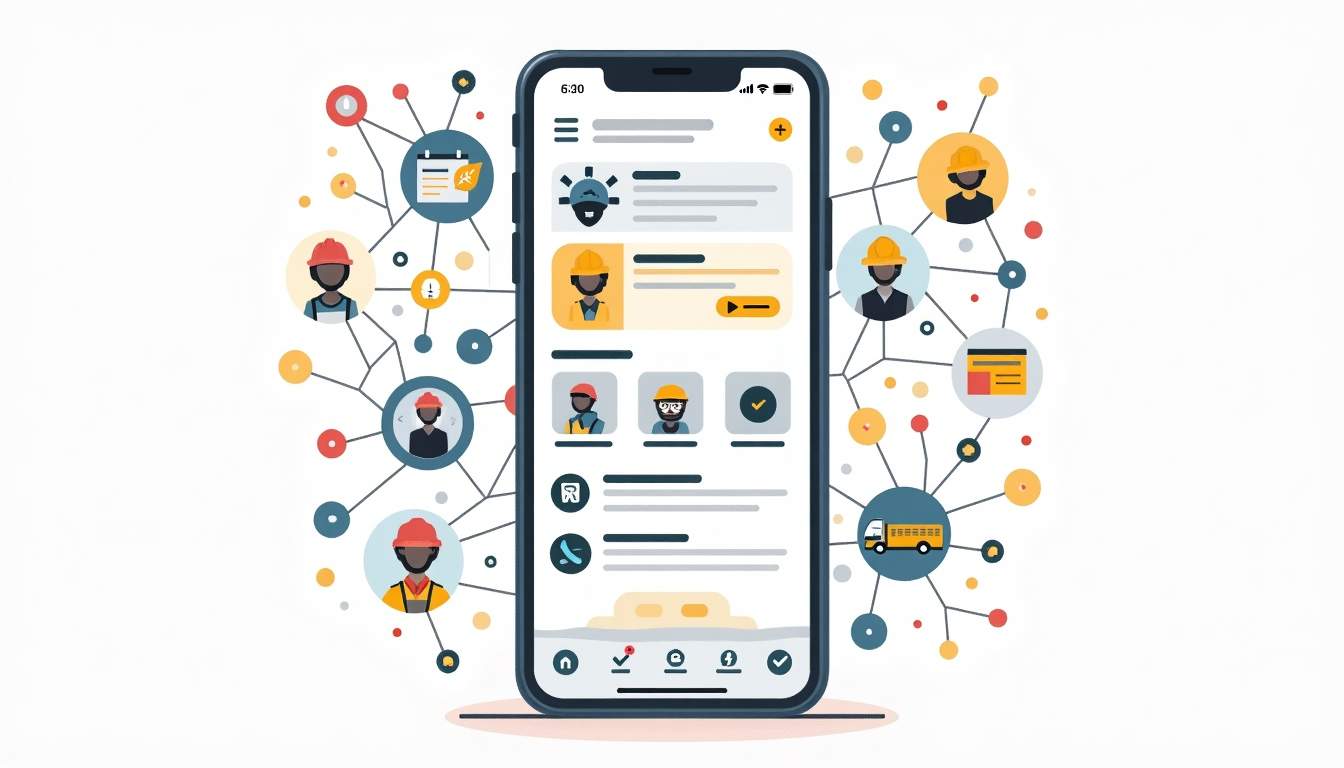
The most successful service organizations treat mobile not as an add-on, but as the primary way technicians interact with the business. They select platforms that combine offline resilience, rich job information, visual documentation, on-site payments, and strong security, then invest in training and feedback loops to refine workflows over time. With that foundation in place, every visit becomes an opportunity to demonstrate professionalism, capture revenue efficiently, and gather data that makes the next job even better.


