A lost package, a suspicious car, a burst pipe that shuts off water to half the block-these are the moments when a neighborhood either fumbles or functions as a team. The difference usually comes down to how quickly and clearly people can talk to each other. That is exactly why homeowner communication apps have moved from “nice-to-have” to essential infrastructure for modern communities.
Why Homeowner Communication Apps Matter
Most homeowners already live part of their neighborhood life online. Over 80% actively use neighborhood community apps, and 41% check them dailysource. That level of engagement turns the right app into a real-time pulse check on what is happening just outside the front door.
These apps are not only about social updates. More than half of homeowners say they rely on neighborhood apps to make home safety decisionssource. From break-in alerts to weather-related damage reports, the fastest way to keep people informed is usually the device already in their hand. For HOAs, property managers, and resident-led boards, that reality makes the choice of communication tools a strategic decision, not a tech preference.
What To Look For In A Neighborhood Communication App
Homeowner communication apps look similar at a glance, but the details determine whether residents actually use them. An effective platform needs to feel as simple as texting, while still giving boards, managers, and volunteers the structure they need to coordinate work, field questions, and document decisions.

Residents increasingly expect that experience to be mobile-first. About 70% of residents say they want mobile-friendly solutions for managing their tenancysource. That expectation now spills over into homeowner and HOA contexts as well: if communication is not accessible from a phone, participation drops fast.
Before shortlisting apps, communities should align on a few must-haves: reliable notifications, clean organization of topics (so safety alerts do not drown in lost-pet posts), permissions for board-only communication when necessary, and clear privacy settings. With those baseline needs in mind, the five apps below stand out for streamlining real neighborhood interactions.
Top 5 Homeowner Communication Apps
The best communication stack for homeowners rarely relies on a single tool. Most engaged neighborhoods blend a broad community network with more focused HOA or building-specific apps. The five options below cover that spectrum-from large-scale neighborhood networks to dedicated association platforms.

Each app shines in a different scenario, so the real value comes from matching the tool to the kind of community being served: single-family subdivisions, townhome HOAs, condo associations, or mixed multifamily communities.
1. Nextdoor: The Digital Town Square
Nextdoor is often the first app homeowners think of when they picture neighborhood communication. It functions as a hyperlocal social network, organized by geographic boundaries rather than friend lists. That design makes it a powerful discovery layer for new residents who want to plug into an existing neighborhood quickly.
For everyday use, Nextdoor handles the basics well: lost-and-found posts, contractor recommendations, crime and safety alerts, event promotion, and general discussion. Since most posts are public to nearby neighbors, it can also surface issues-like recurring package thefts or traffic problems-that a single HOA or block-level group might miss.
For HOA boards and community leaders, Nextdoor works best as a broadcast and engagement tool rather than an official system of record. Formal documents, votes, and architectural approvals are better handled in dedicated association software, but Nextdoor can drive participation by amplifying updates and inviting residents into the conversation.
- Best for: Broad neighborhood visibility, informal updates, and engaging homeowners who are not yet plugged into an HOA portal.
- Watch out for: Threads can become noisy without clear posting guidelines, so many communities set simple norms around topics and tone.
2. TownSq: Purpose-Built For HOAs and Condo Communities
While big social platforms excel at reach, association life needs structure. TownSq is designed specifically for HOAs, condos, and residential communities that need both communication and operations in one place. Residents can submit requests, review documents, pay assessments, and message management from a single mobile-friendly app.
This kind of centralized experience is directly aligned with what residents say they want. Around 70% of residents in multifamily communities are more likely to renew when they have a positive overall experiencesource, and smooth digital communication is a major part of that experience. When homeowners can handle routine tasks and get clear updates in one place, frustration with the association drops.
TownSq also supports structured communication channels. Boards can post official announcements, respond to maintenance questions, and segment messages by building, street, or user role. That makes it far easier to keep critical updates-like water shutoffs or gate repairs-separate from casual social chatter.
- Best for: HOAs and condo associations that need a single app for announcements, documents, payments, and service requests.
- Watch out for: Success depends on adoption; leaders should plan a simple rollout with clear instructions so residents know this is the “official” channel.
3. Ring Neighbors: Real-Time Safety Awareness
For many homeowners, security is the trigger that finally gets them to download a neighborhood app. Ring’s Neighbors app focuses squarely on safety, aggregating user-submitted videos and reports about suspicious activity, package thefts, and nearby incidents. Even residents without Ring devices can join and receive alerts.
The focus on security dovetails with how homeowners say they use neighborhood tools. About 55% of homeowners rely on neighborhood apps specifically when making home safety decisionssource. Timely, hyperlocal updates-like doorbell footage of someone checking car handles-often influence choices around lighting, cameras, alarms, and even fencing.
Ring Neighbors works well as a specialized layer on top of broader communication platforms. HOAs and neighborhood leaders can encourage residents to use it for safety alerts while still reserving official apps or forums for policy decisions, architectural issues, and community events.
- Best for: Security-conscious communities that want a dedicated channel for real-time safety and crime-related updates.
- Watch out for: It helps to set expectations around responsible posting so alerts stay factual and avoid unnecessary anxiety.
4. Facebook Groups: Familiar, Flexible, and Easy To Launch
Facebook Groups are not HOA-specific software, yet they remain one of the most common tools for informal neighborhood communication. Most residents already have accounts, the mobile app is familiar, and starting a group requires almost no setup. For many communities, a Facebook Group becomes the first shared digital space.
Groups work well for quick questions (“Who is your favorite local plumber?”), social coordination (block parties, yard sales, book clubs), and day-to-day neighborly interactions. The built-in search helps new residents scroll back through contractor recommendations or previous discussions about topics such as roof replacements or landscaping vendors.
The tradeoff is control. Boards and property managers need to decide whether Facebook is a social layer, an official channel, or both. Many successful communities adopt a hybrid model: they use Facebook for engagement and neighbor-to-neighbor support, while steering all formal notices, rules, and records into a dedicated association platform that offers better governance and audit trails.
- Best for: Fast-start community building, informal conversations, and connecting neighbors who already spend time on social media.
- Watch out for: Privacy and moderation require attention; clear group rules and consistent enforcement keep conversations productive.
5. Resident Portals from Professional Property Management Platforms
For master-planned communities, mixed-use developments, or professionally managed HOAs, a resident portal tied to property management software can replace a patchwork of tools. Platforms in this category typically offer a mobile app for residents alongside robust back-office functionality for management and accounting teams.
These portals are designed to support the full resident lifecycle: onboarding new homeowners, managing service requests, collecting payments, tracking violations, and sharing essential documents. When residents can pay dues, report an issue, and message management in a few taps, digital communication starts to feel like a natural extension of daily life. That matters, because residents using digital tools often report stronger ties to their community-64% of residents who use digital communication say they feel more connectedsource.
Property management portals also align with broader homeowner behavior. About 65% of consumers research home improvement products online before they buysource, and 55% used virtual visualization tools to plan renovations in a recent yearsource. When the association’s portal sits alongside those digital tools, it positions the HOA or community manager as part of a modern, tech-enabled homeowner experience.
- Best for: Professionally managed communities and larger HOAs that need deep operational capabilities plus a polished resident app.
- Watch out for: Configuration and onboarding take planning; leaders should map existing processes into the platform instead of just moving email chains into a new interface.
How To Drive Adoption Across Your Neighborhood
Even the best homeowner communication app fails if only a small fraction of residents use it. The biggest adoption drivers are clarity, simplicity, and visible value. People need to know which app is “official,” why it matters, and how to get started in under a minute.
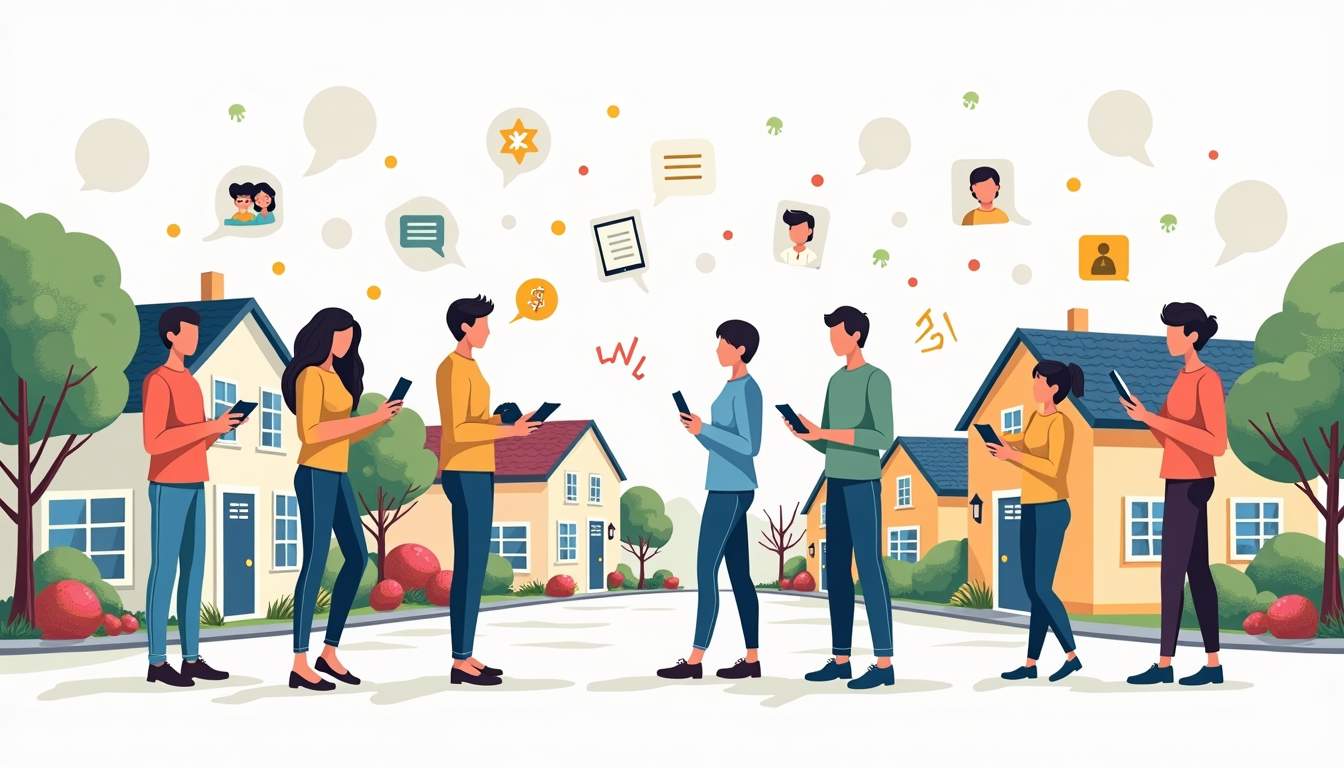
Leadership teams-whether formal boards or informal volunteer groups-should pick a primary app for official communication, then consistently point residents there. Mixed messages are where adoption goes to die. If a notice goes out by email, post the same notice in the app and mention that future updates will live there first. When a resident calls with a question, support staff can answer and then show how to find the same information in the app.
It also helps to design quick wins. Early on, share something unambiguously useful: live updates during a maintenance outage, real-time photo progress on a community project, or a clear schedule for pool or amenity access. When residents see that the app is the fastest path to the information they care about, logins and engagement climb rapidly.
Best Practices For Using Multiple Apps Without Creating Chaos
Most communities end up using more than one homeowner communication app: a broad network like Nextdoor, a safety-focused tool like Ring Neighbors, and a formal HOA or resident portal. That mix can work extremely well if each app has a clearly defined role and the leadership team stays disciplined about where different types of communication belong.
A simple framework keeps things organized. Use a dedicated HOA or resident portal for official records, compliance topics, payments, and documents. Rely on broad social platforms for community-building, recommendations, and casual interaction. Reserve safety-specific tools for real-time incident awareness. When residents understand which app handles which job, they can choose to participate at the level that fits their needs without feeling overwhelmed.
Communities that document this structure-on welcome packets, websites, and in-app pinned posts-avoid confusion and reduce support load. Over time, the neighborhood’s digital ecosystem starts to mirror a well-run physical one: clear signage, predictable paths, and the sense that someone has thoughtfully designed how everything fits together.
Choosing The Right App Stack For Your Community
No single homeowner communication app is perfect for every neighborhood. Dense condo towers, sprawling subdivisions, and mixed-use communities all have different rhythms and operational needs. The most effective approach is to choose one primary “system of record” app for official business, then layer in one or two complementary apps that play to your community’s priorities-whether that is safety, social connection, or renovation planning.
As resident expectations around digital convenience keep rising, communities that invest in clear, well-structured communication see real payoffs. In multifamily environments, positive resident experience has a measurable impact on renewalssource, and owner-occupied neighborhoods see similar benefits in engagement, volunteerism, and overall satisfaction when communication is handled well. The right mix of apps makes it easier for every homeowner to stay informed, feel heard, and participate in building the kind of neighborhood people are proud to call home.